Find the moment. Get every word right.
Edit with timestamps, listen while you work, and fine-tune transcripts with precision.
Free
Local transcription, careful editing and AI Research. For Windows and Linux.
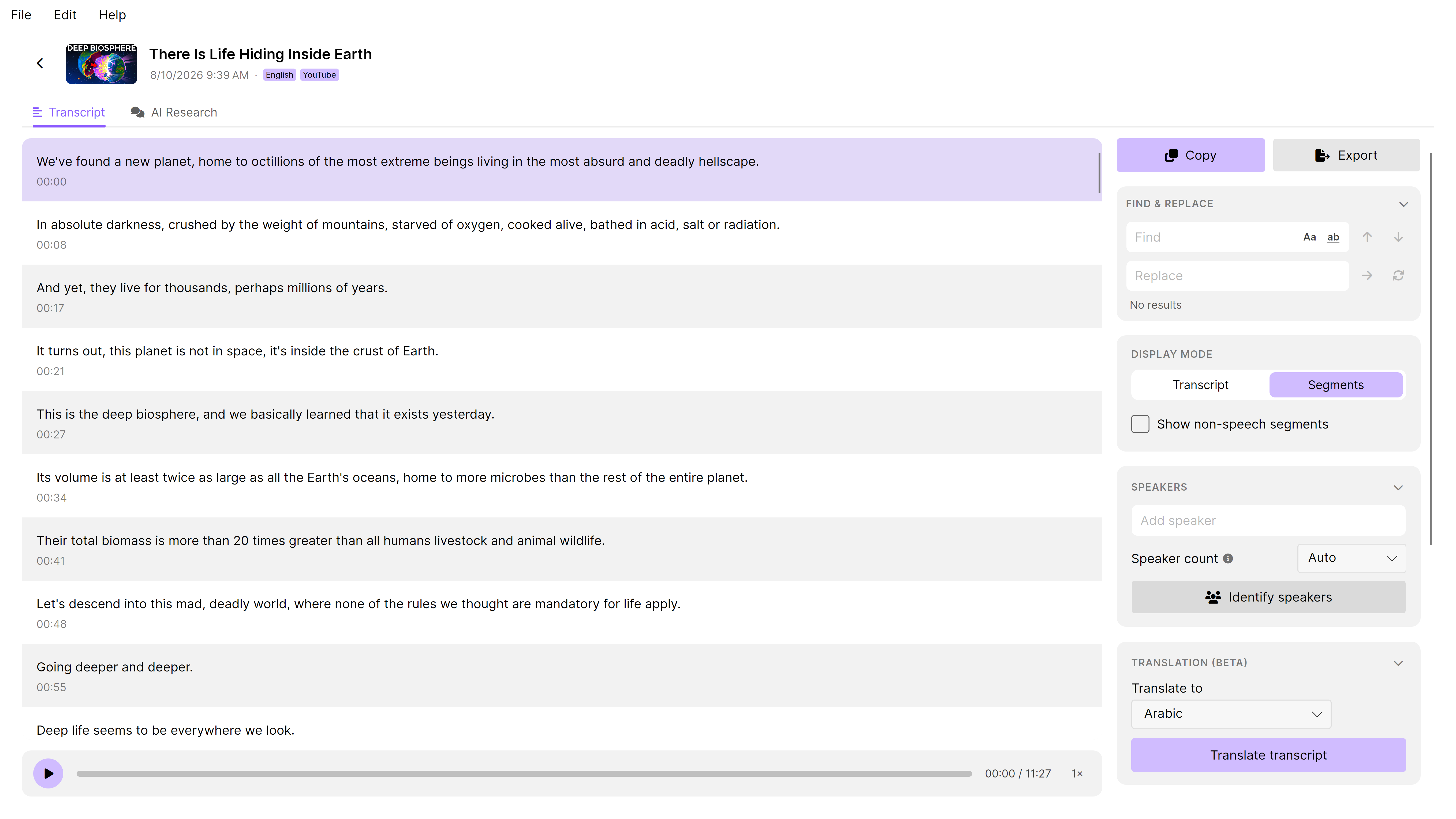
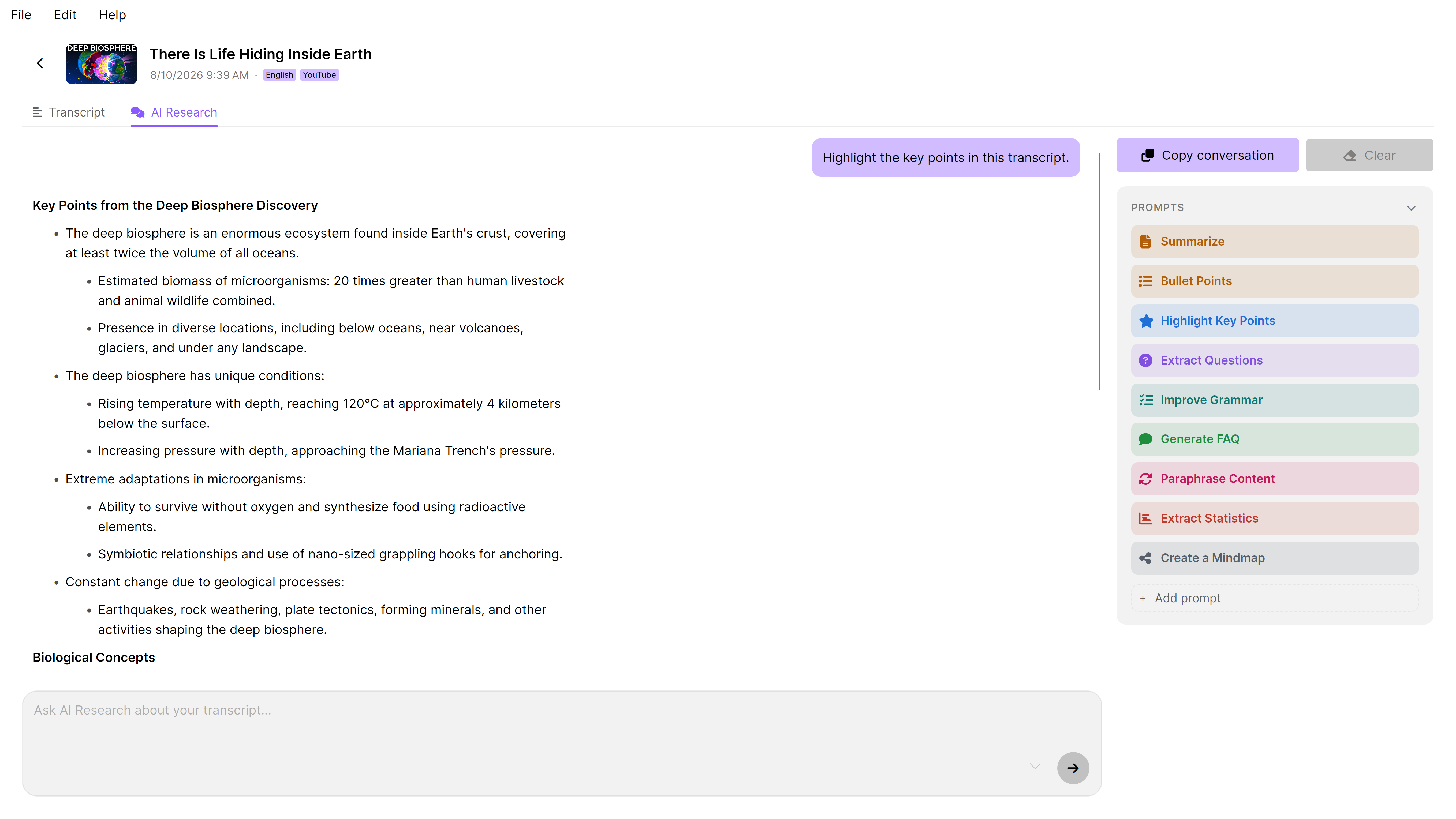
Edit with timestamps, listen while you work, and fine-tune transcripts with precision.
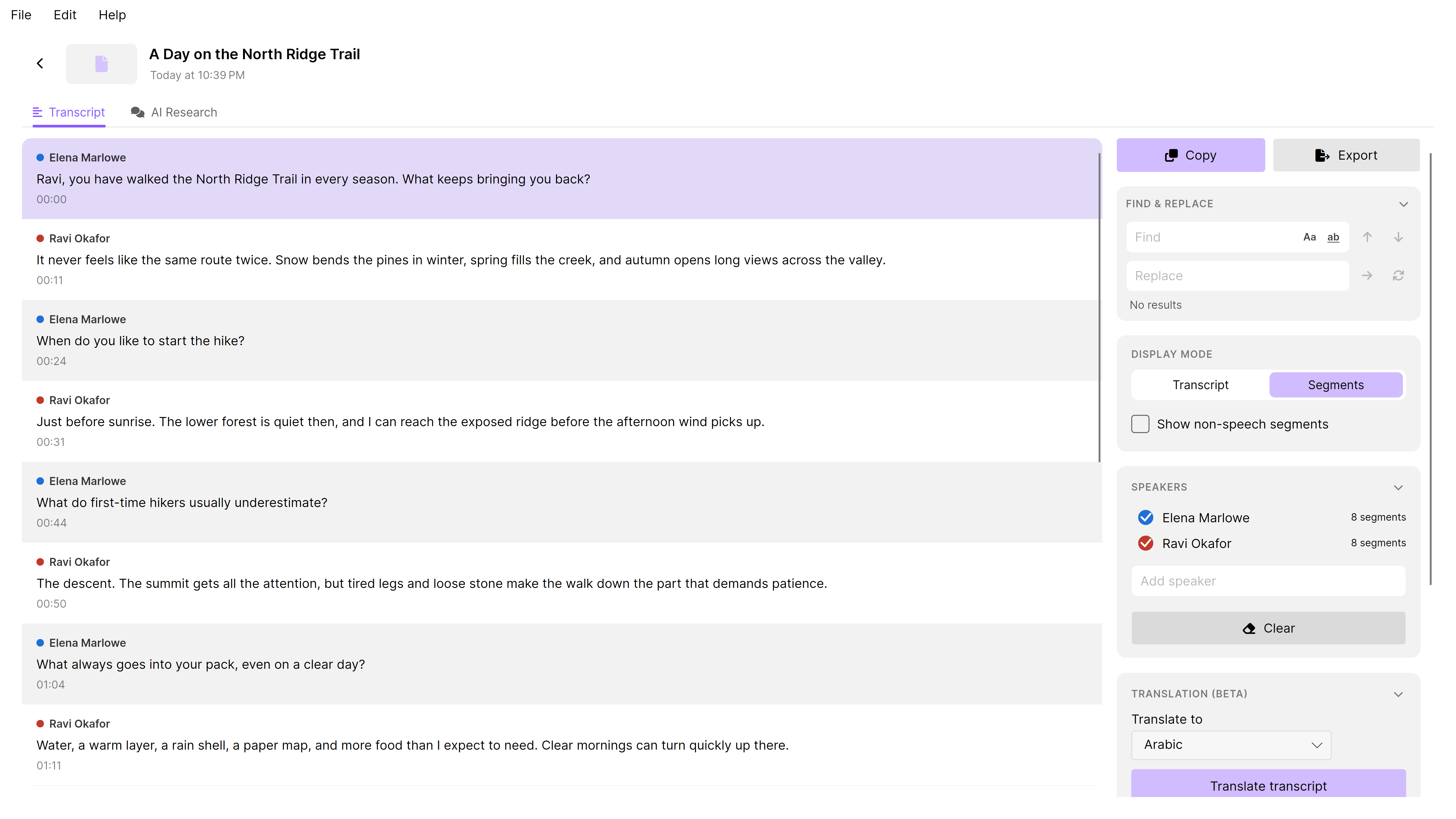
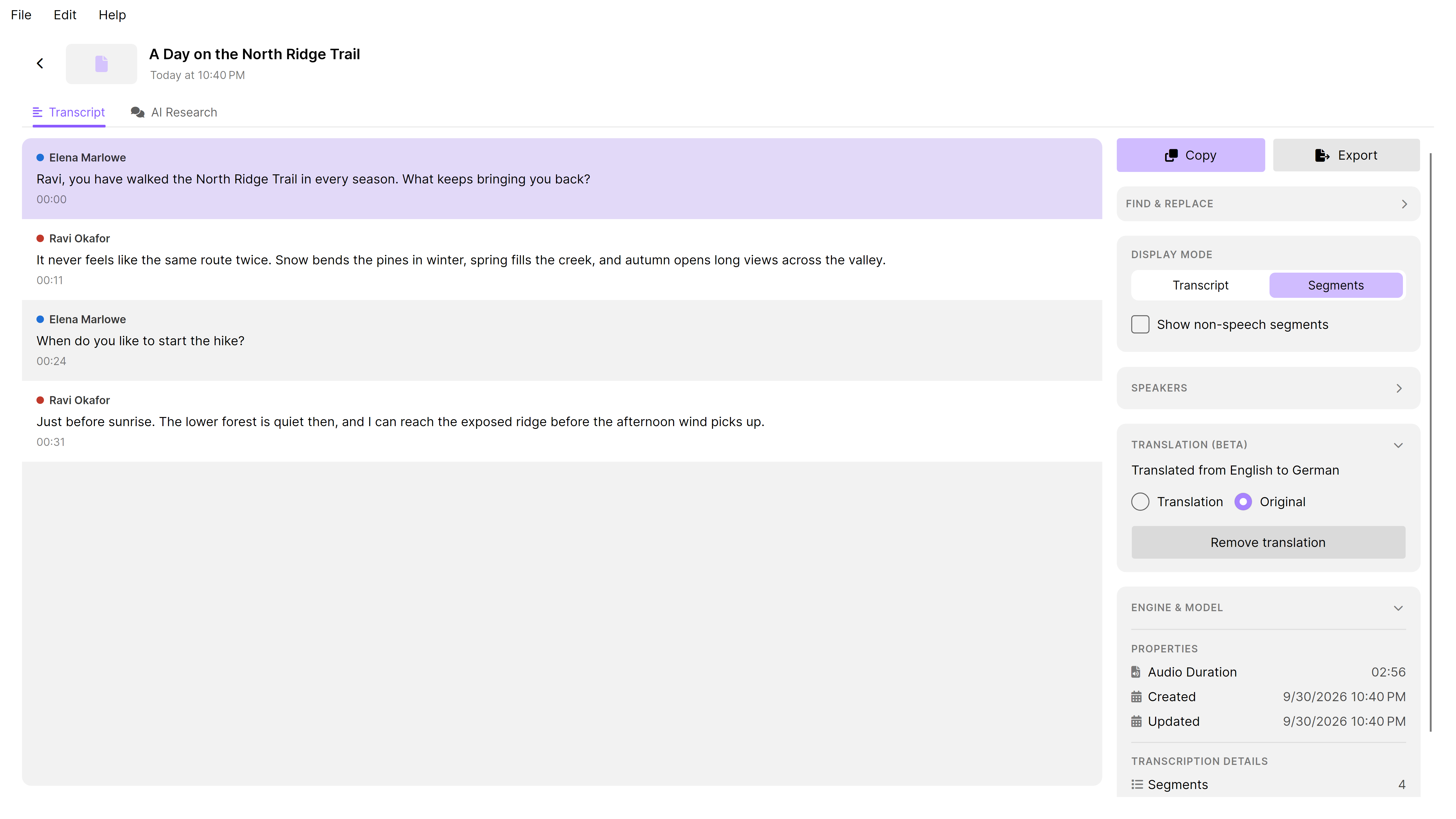
FreeDetect speakers locally, give them names and correct who said what. Keep speaker labels consistent throughout the transcript.
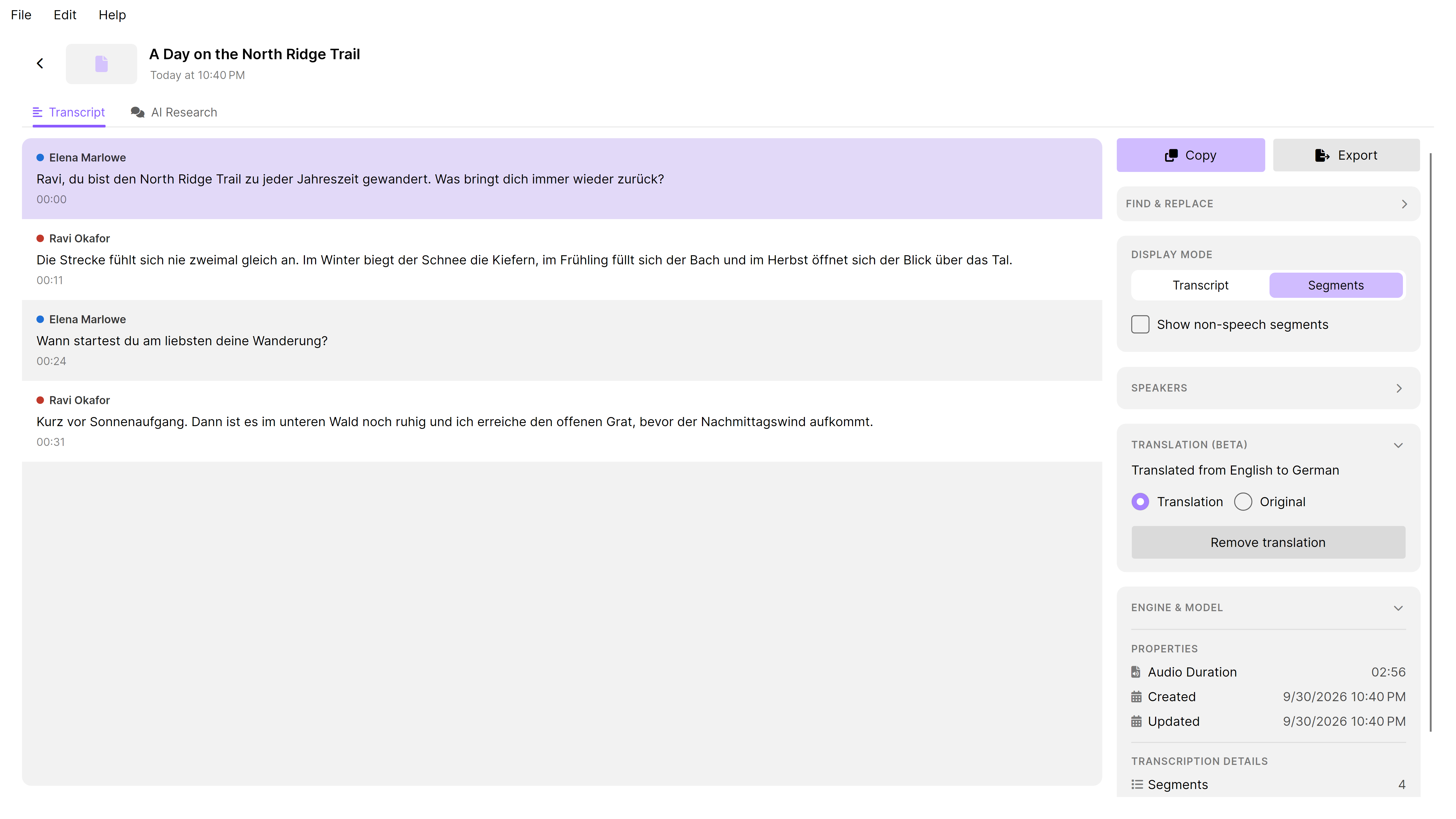
Translate locally and switch between the translation and the original. Keep both available while you review the result.
Ask questions, explore the details and follow up in a conversation. Use a local model or connect a cloud provider of your choice.
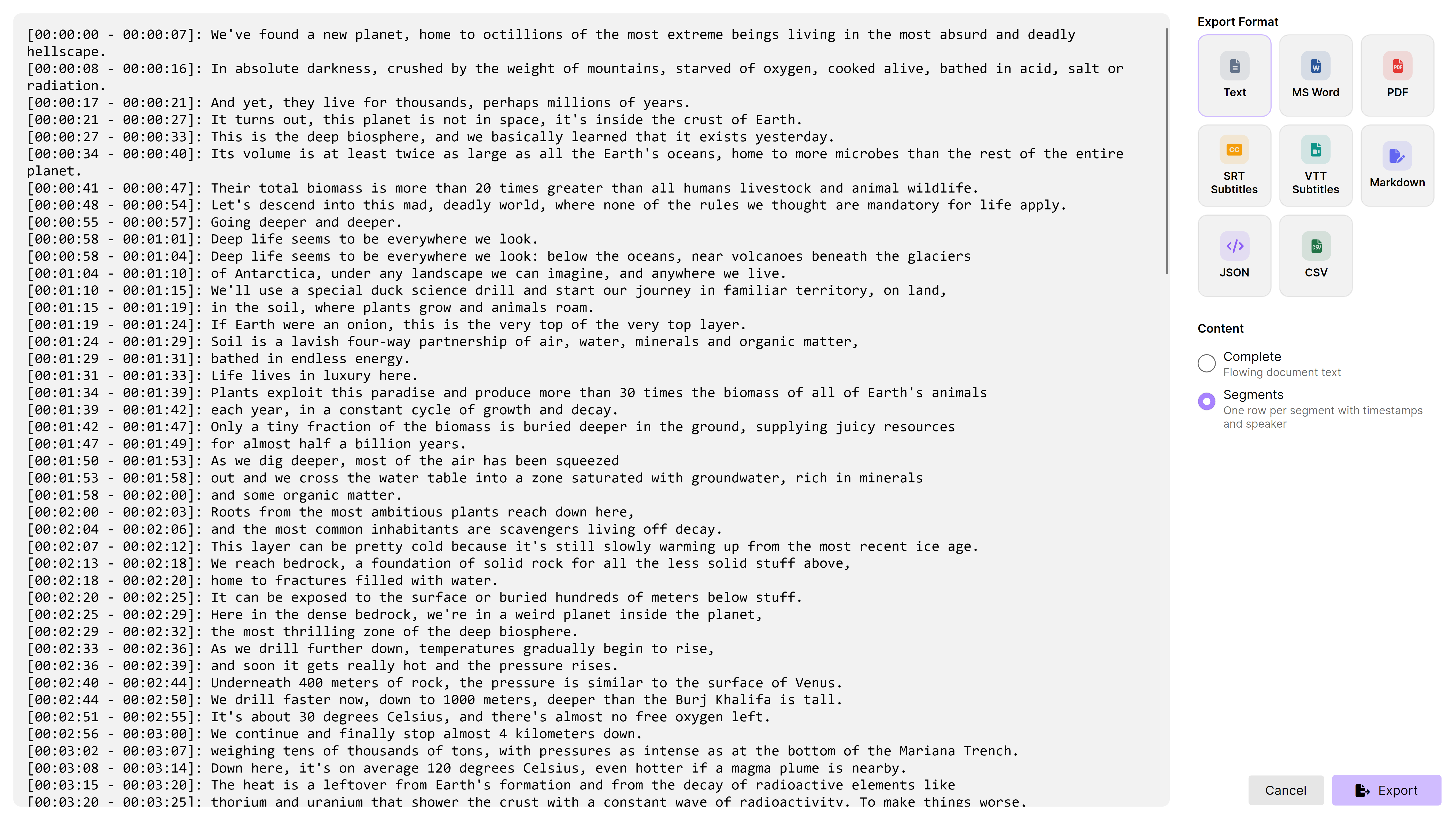
Preview your export before saving. Get text and subtitles for free; Pro adds documents and structured data for the next step in your workflow.
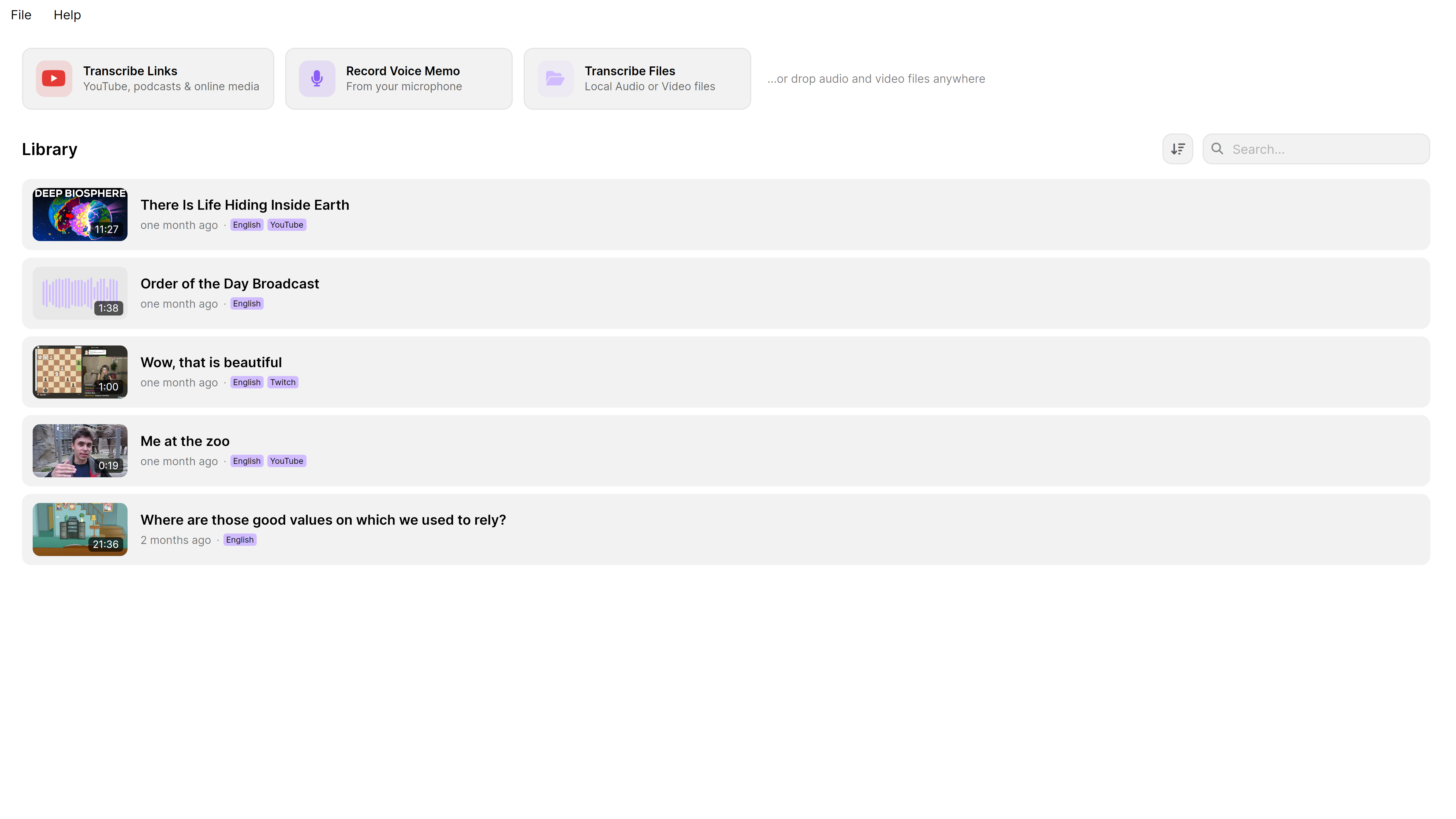
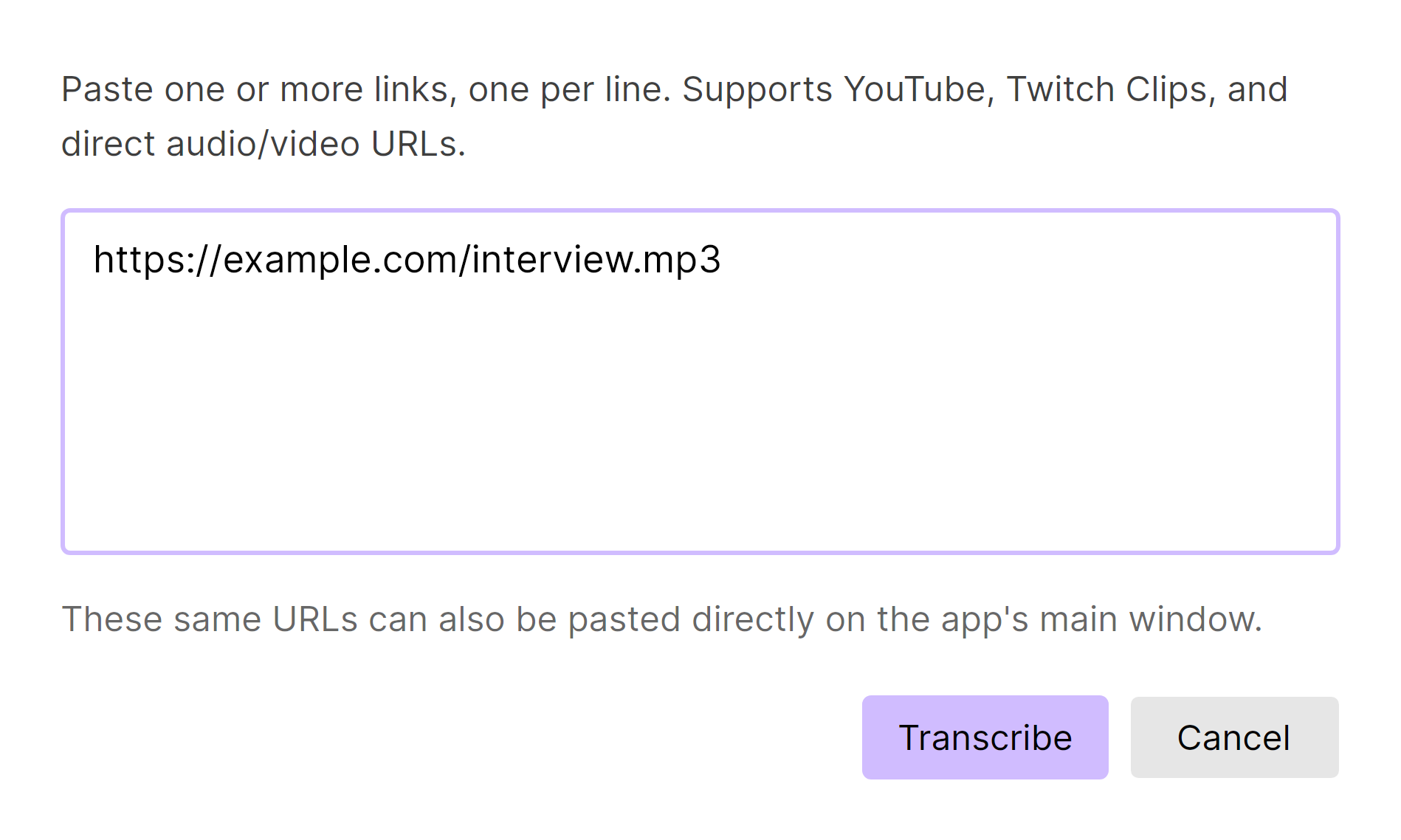
Paste a direct media link or a supported video page, including YouTube and Twitch. Bring the recording into the same editing workflow.
Keep your recordings and transcripts together. Search their text to find a passage again, without opening every file.
Queue multiple audio and video files for transcription. Work through interviews, episodes and recordings without adding each one separately.
Record a voice memo inside TrueScribe, then transcribe and edit it with the same tools you use for imported recordings.
Start with a ready-made prompt for summaries or key points, or save your own. Bring the same questions to your next transcript.
No account, no upload queue, no waiting for a server.
Drop in an audio or video file, or record a dictation directly. With Pro you can also paste a direct media link or a supported public media page.
TrueScribe runs Whisper locally and picks a model that suits your hardware, downloading it once on first use. CPU and Vulkan runtimes are both supported.
Play back against the waveform, correct the text with undo and redo, name your speakers, translate, and export in the format your work needs.
The same workflow fits very different material.
Keep two speakers apart, correct names and terms once, and quote from a transcript that carries timestamps.
Turn a long recording into text you can skim, search and hand on, without sending the room's conversation anywhere.
Follow the audio next to the text, fix technical vocabulary, and export study notes or subtitles.
Produce show notes, subtitle files and searchable archives from the episodes you already have.
TrueScribe can run transcription, speaker detection, translation, AI, editing, history and search on your machine. You decide when a feature may use a cloud model or remote endpoint.
Media files are decoded and transcribed locally. There is no upload step and no processing account.
Whisper and diarization models are fetched on first use and then reused offline.
If you choose a cloud model for transcription, translation, AI Research or another feature, the content needed for that operation leaves your device. The local privacy guarantee does not apply to it.
Transcribing a link, downloading a model, checking your licence and error reporting are the times TrueScribe reaches the network.
Free forever
Core transcription and review without file or time limits.
US$64 one-time
One licence for three devices. Applicable taxes are handled at checkout.
Local processing keeps your audio and transcripts on your machine. If you choose a cloud model or remote endpoint, the content needed for that operation is sent to that provider. Downloads, media links, licence checks and error reporting also use the network.
TrueScribe uses Whisper models, which cover a wide range of languages. It can detect the spoken language automatically or use the language you select.
No. TrueScribe runs on the CPU and can use a Vulkan runtime when your hardware supports it. The suggested model is matched to the machine it runs on, and faster hardware mainly means faster results.
Yes, once the models you use have been downloaded. The first transcription needs a connection to fetch the selected model.
No. Pro is a one-time purchase.
Windows and Linux, distributed through the Microsoft Store and as an AppImage.
Install TrueScribe, open a file, and read what is in it.